October 21, 2026
Introducing VR Albums: Group Your 360° Photos and Share Them as One
DEKO360 VR Albums let you group your 360° photos into one shareable page, with a cover photo, a custom order, and control over exactly who can view it.
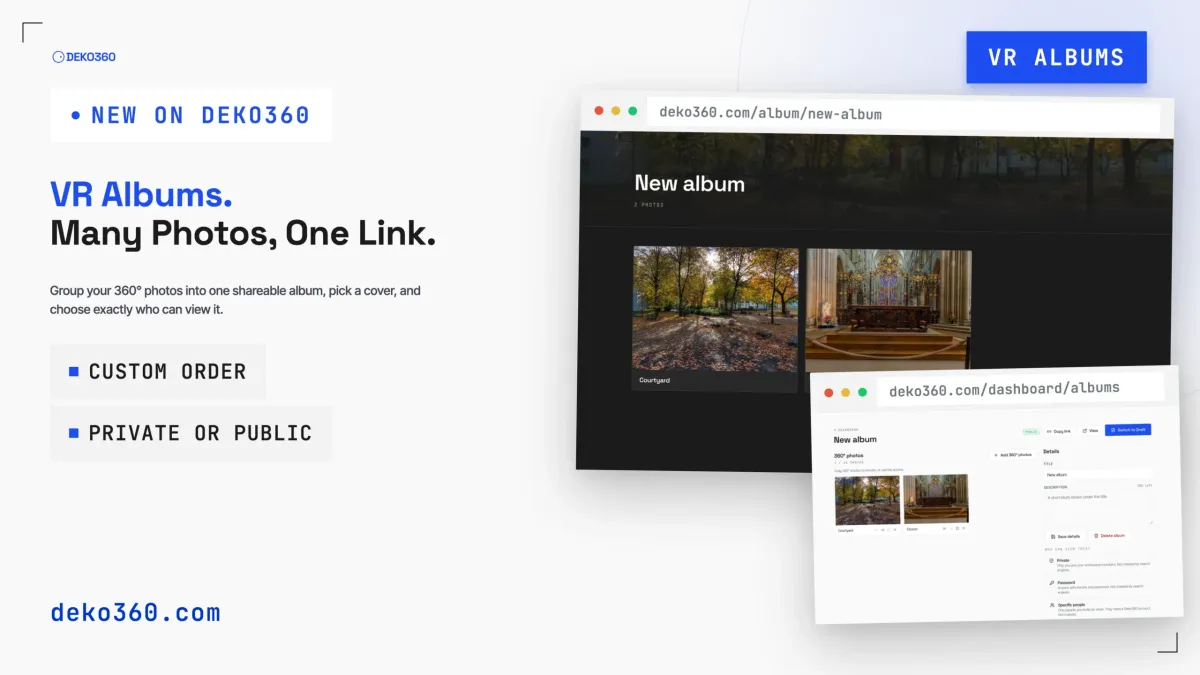
A single 360° photo is great. A set of them is usually the real story: every room of a venue, every stop on a trip, every angle of a build site. Until now, sharing that meant sending a pile of separate links.
Today we’re launching VR Albums on DEKO360. Pick the 360° photos you want, put them in order, and share one link. Whoever opens it gets a clean gallery page and can step into any photo from there.
What You Get
- Drag to reorder photos, or use the arrows
- Pick any photo as the album’s cover
- A title and a short description (up to 200 characters)
- One shareable link, with a Copy link button right in the editor
- Unlimited drafts on every plan, so you can build albums before anyone sees them
- Per-album visibility: public, private, password, or specific people
Build an Album in a Couple of Minutes
Create an album, give it a title and description, and add photos from your 360° library. Each photo shows up as a card with its name, so you can see what you’ve got at a glance.
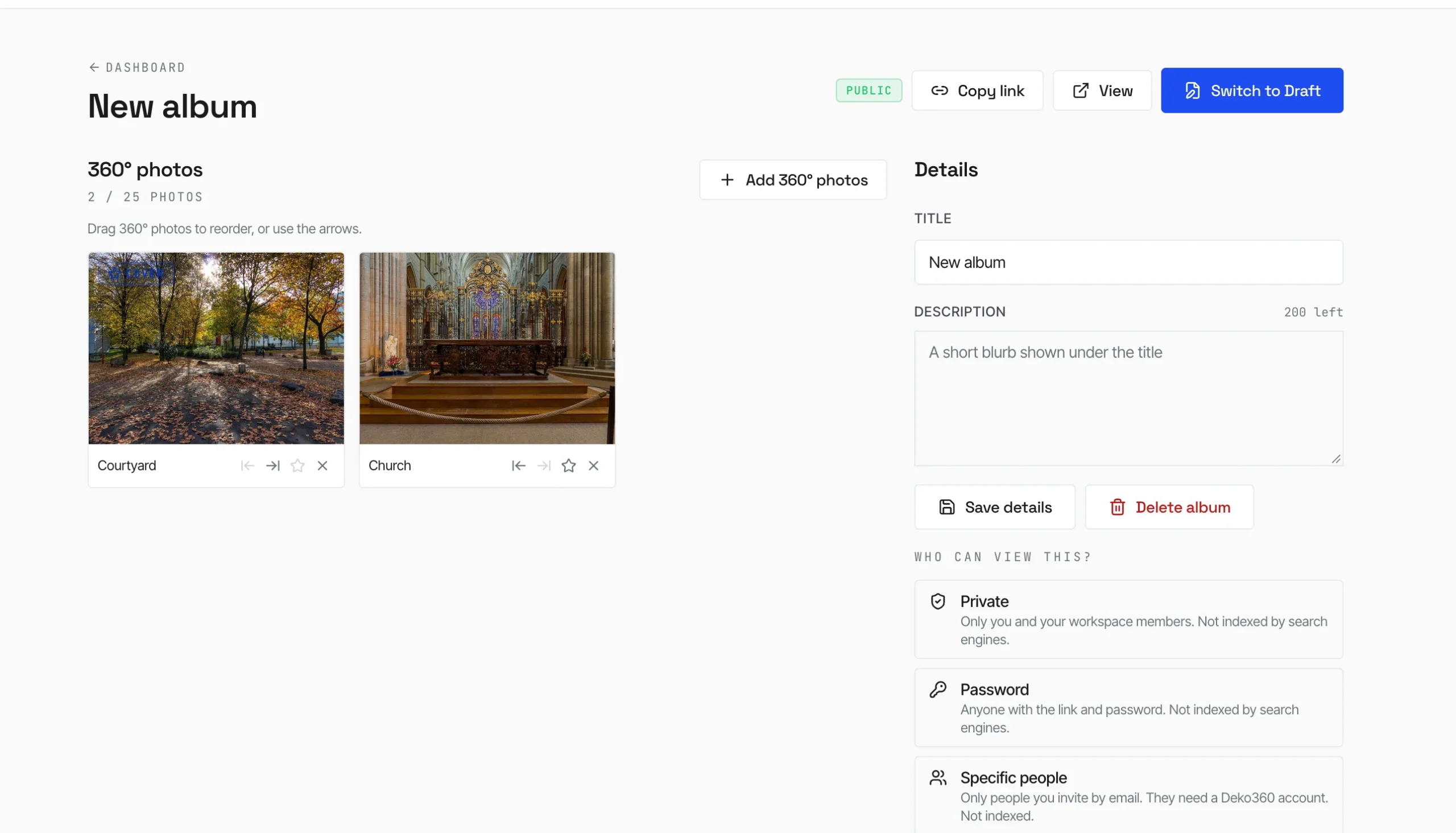
- Create an album and add your 360° photos
- Drag the photos into the order you want, or use the arrow buttons
- Star one photo to make it the cover
- Write a title and a short description
- Choose who can view it, then publish it and copy the link
An album needs at least two 360° photos before it can go from draft to live.
Plans and Limits
Drafts are unlimited on every plan. What varies is how many albums you can have live at once and how many photos each album can hold:
| Plan | Published albums at once | Photos per album |
|---|---|---|
| Free | 1 | 5 |
| Individual / Individual Lifetime | Unlimited | 10 |
| Creator / Agency | Unlimited | 25 |
If your plan changes and an album no longer fits, you get a grace period first. After it ends, the album is unpublished automatically, and you can republish it once you’ve upgraded.
You Decide Who Sees It
Every album has its own visibility setting, so one account can hold a public portfolio piece and a client-only album side by side:
- Public: anyone with the link, on every plan including Free. It’s the only mode search engines can index.
- Private: only you and your workspace members. Not indexed.
- Password: anyone with the link and the password. Not indexed.
- Specific people: up to 50 people you invite by email, who need a DEKO360 account. Not indexed.
Private, Password, and Specific people are available on Individual plans and above. Not ready to share? Keep the album in draft while you work, then publish when it’s done. You can switch it back to draft at any time.
What Your Viewers See
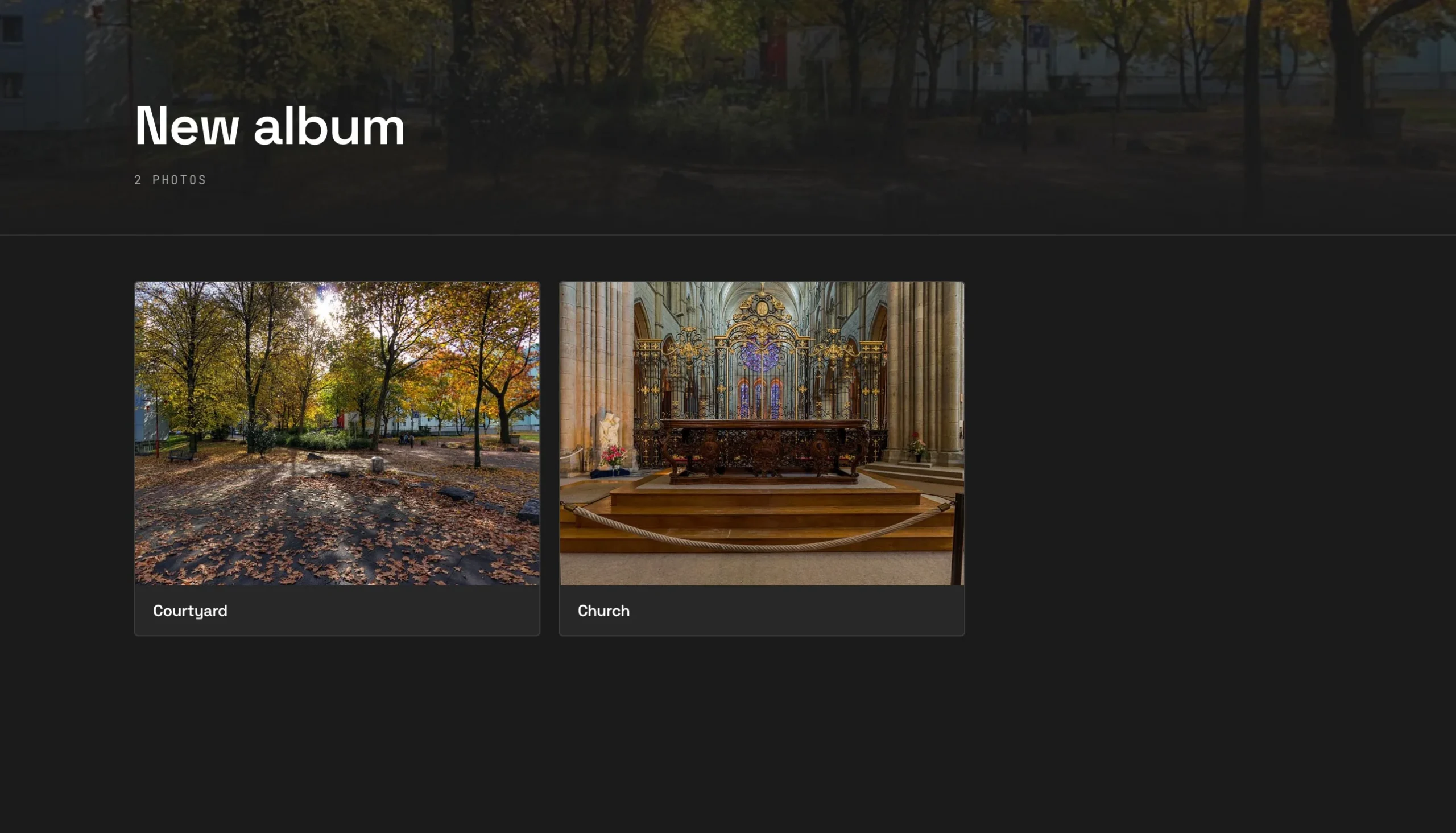
The public album page puts your cover photo behind the title, shows the photo count, and lays out your 360° photos as a grid. It’s a dark, distraction-free page, so the panoramas do the talking.
Albums, or a Full Tour?
An album is a collection of independent 360° photos: each one stands on its own, and viewers pick what to open. If you want to connect spaces into a walkable experience, that’s what DEKO360 Tours are for. Albums build on free VR image hosting, so the photos you’ve already uploaded are ready to group.
Who It’s For
Photographers delivering a shoot to a client. Real estate agents sharing every room of a listing. Travelers who want one link for a whole trip. Venues showing off their spaces. If you’ve ever pasted five separate 360° links into an email, an album replaces them with one.
Ready to try it? Create your first VR album and share your 360° photos as one. The Free plan includes one published album.